Product Design
UX/UI
Mobile
Admit AI – Admin
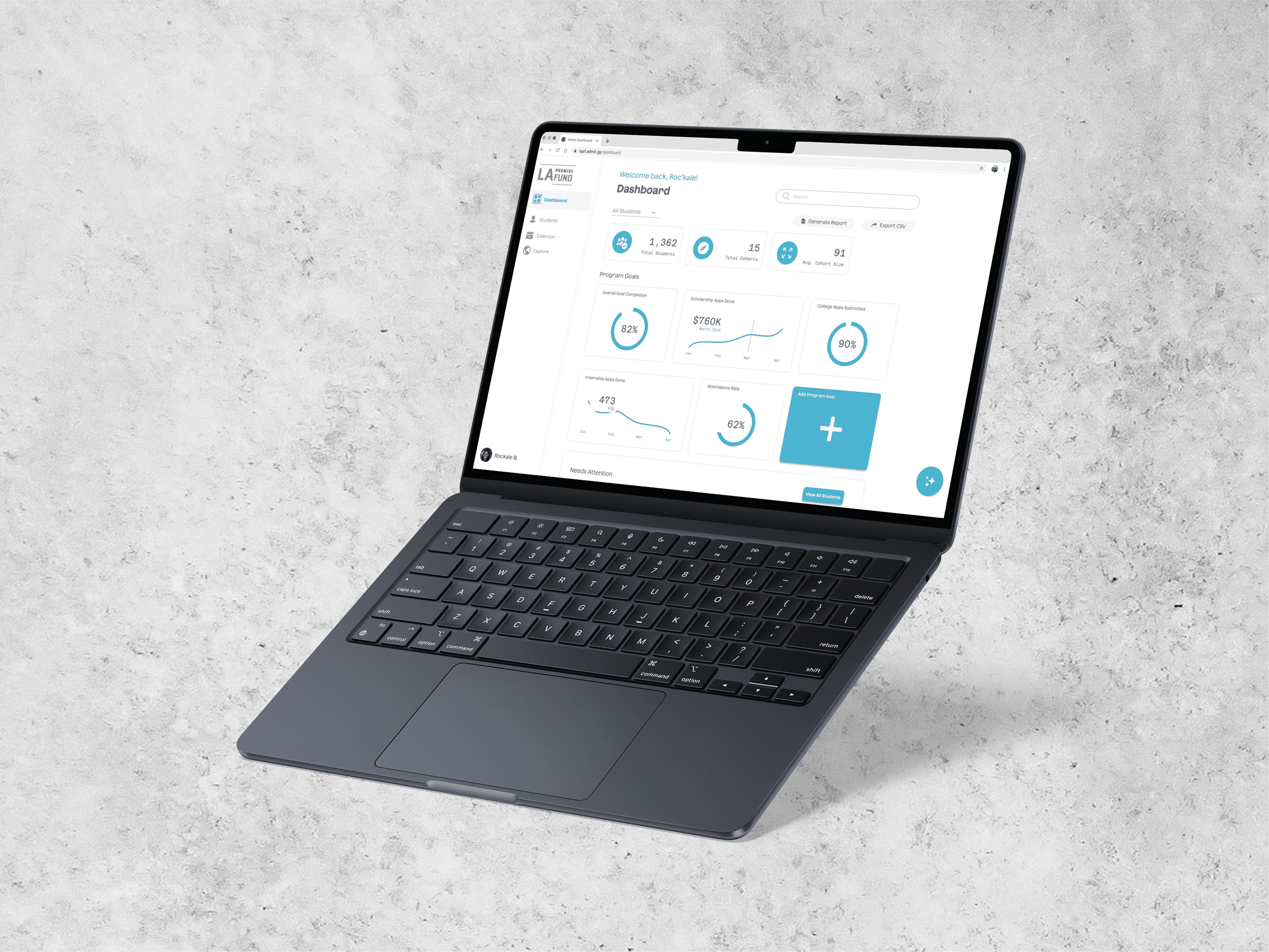
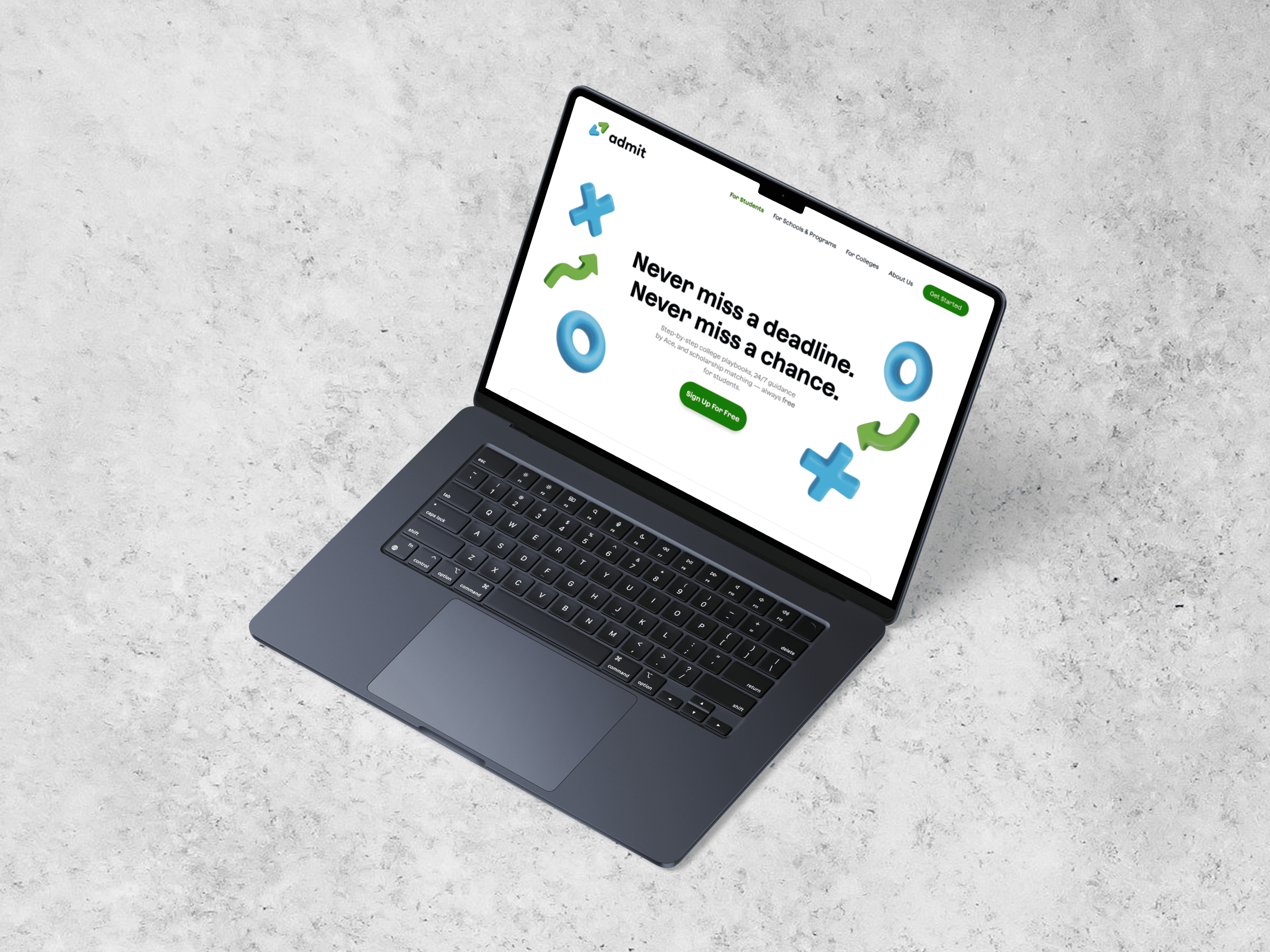
Admit is a college and career platform connecting students with the counselors and programs supporting them. This case study focuses on the Admin web experience I designed during the final five weeks of my internship.
CLIENT
Nile Studio
TIMELINE
5 Weeks
TEAM
1 PM
3 Engineers
1 Designer(me)

OVERVIEW
Supporting one student is one thing. Supporting an entire program is another.
The student app organized one person’s goals, applications, and progress. Admin needed to make that same activity understandable across many students while giving counselors the tools to support them.
ADMIN EXPERIENCE AT A GLANCE
Admit: One workspace, different levels of support.
Program Overview
See progress across students and identify where attention is needed.
Student Context
Quick insights on progress, recent activity, and alert.
Calendar Integration
Manage deadlines, meetings, goals, and ongoing support.
WHY THIS GETS COMPLICATED
One counselor. Many students. Even more moving pieces.
A student’s progress can span goals, applications, documents, deadlines, meetings, notes, and program requirements. For a counselor supporting many students, the challenge isn’t simply having that information. It’s knowing what matters, where to find it, and when to step in.
Supporting a program means asking:
1
How is the program progressing?
2
Who need attention?
3
What is the context?
4
What needs a follow-up?
The challenge wasn’t showing more information. It was helping counselors understand what mattered and where to act.
Understanding the Admin Workflow
INHERITED ADMIN SCREEN
INHERITED ADMIN SCREEN
Research and context placeholder — how counselors and program teams were already coordinating work across the existing experience.
Key insight placeholder
Key insight placeholder
Key insight placeholder
Designing the System
ADMIN ECOSYSTEM / INFORMATION ARCHITECTURE
DASHBOARD → STUDENT PROFILE → ACTION
Closing the Loop
Program Goals workflow placeholder — from creating a goal to assignment, monitoring, submissions, and follow-up.
CREATE GOAL
ASSIGN TO STUDENTS / COHORTS
MONITOR / REVIEW / FOLLOW UP
Testing & Refinement
Finding placeholder → design decision placeholder
RESULTING UI VISUAL
Finding placeholder → design decision placeholder
RESULTING UI VISUAL
The Connected Experience
Supporting Admin workflows — onboarding, search, calendar, Explore and resource management, and organization management.
LARGE DESKTOP WORKFLOW SCREEN
SUPPORTING SCREEN
SUPPORTING SCREEN
SHIPPING & REFLECTION
Designing within a compressed timeline.
Reflection placeholder — a short note about working closely with development and moving the Admin experience forward.